


Ottimizza la qualità del tuo sito web
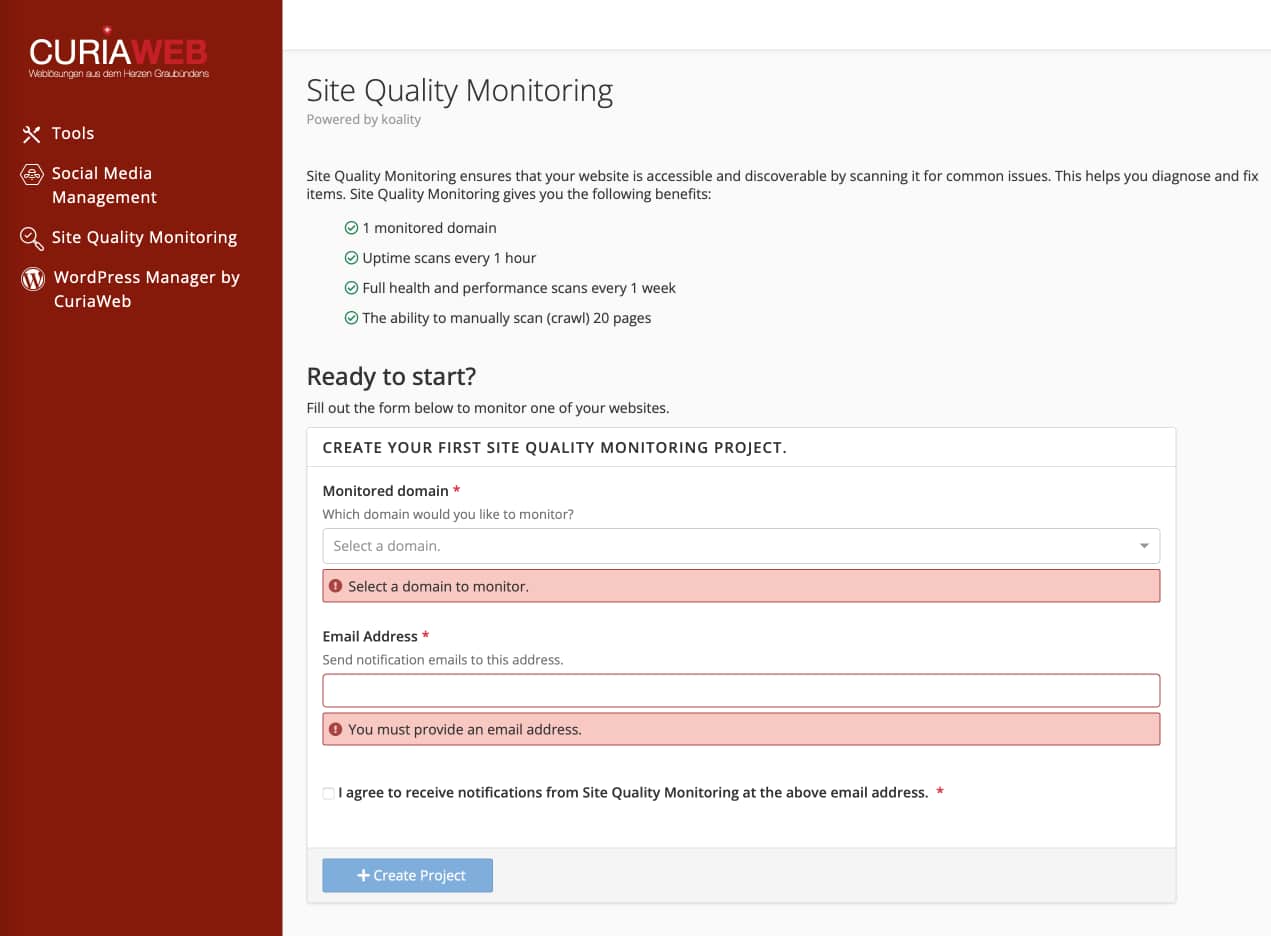
Il Site Quality Monitoring monitora il tuo sito web 24 ore su 24. Rileva automaticamente link interrotti, tempi di caricamento lenti ed errori SEO prima che i visitatori (o Google) se ne accorgano. In questo modo ti assicuri che il tuo sito rimanga sempre professionale e performante.
Importante: Per utilizzare questo strumento, al primo accesso è necessario completare il breve processo di registrazione nell'interfaccia cPanel e scegliere un abbonamento (ad es. il pacchetto base gratuito).
Le aree di monitoraggio
Lo strumento divide l'analisi in schede logiche per facilitare l'ottimizzazione:
Crawling
Trova link interrotti (404), immagini mancanti e identifica i file troppo grandi che rallentano il caricamento.
Trova link interrotti (404), immagini mancanti e identifica i file troppo grandi che rallentano il caricamento.
Monitoring
Controlla la disponibilità, i parametri SEO tecnici, i certificati di sicurezza e il tempo di risposta generale del server.
Controlla la disponibilità, i parametri SEO tecnici, i certificati di sicurezza e il tempo di risposta generale del server.
Riepilogo
Qui puoi vedere il tuo Score (0-100). Un punteggio alto indica un sito web configurato in modo ottimale.
Qui puoi vedere il tuo Score (0-100). Un punteggio alto indica un sito web configurato in modo ottimale.
Il sistema a semaforo: errori a colpo d'occhio
Site Quality Monitoring utilizza codici colore intuitivi per indicare l'urgenza dei problemi:
| Verde | Ottimale: Tutto superato. Nessuna azione richiesta. |
| Giallo | Moderato: Errori non critici che influiscono leggermente sull'esperienza utente. |
| Rosso | Critico: Questi errori impediscono l'accesso o il corretto funzionamento del tuo sito. |
Iniziare: aggiungere un nuovo sito web
Per iniziare il monitoraggio, clicca su "Monitora nuovo sito web" e inserisci i seguenti dati:
- Nome: Un nome visualizzato interno per tuo riferimento.
- Posizione: Scegli la posizione del server più vicina al tuo target (ad es. in Europa).
- Dominio: Il tuo indirizzo web completo (ad es.
mio-dominio.ch).
Suggerimento sulle notifiche: Nelle Impostazioni, assicurati che il tuo indirizzo e-mail sia inserito correttamente per essere informato immediatamente in caso di "Allarme rosso".
Hai domande sul tuo punteggio o hai bisogno di aiuto per risolvere errori critici?
Il nostro team è lieto di supportarti nell'ottimizzazione tecnica!
