


Optimize the Quality of Your Website
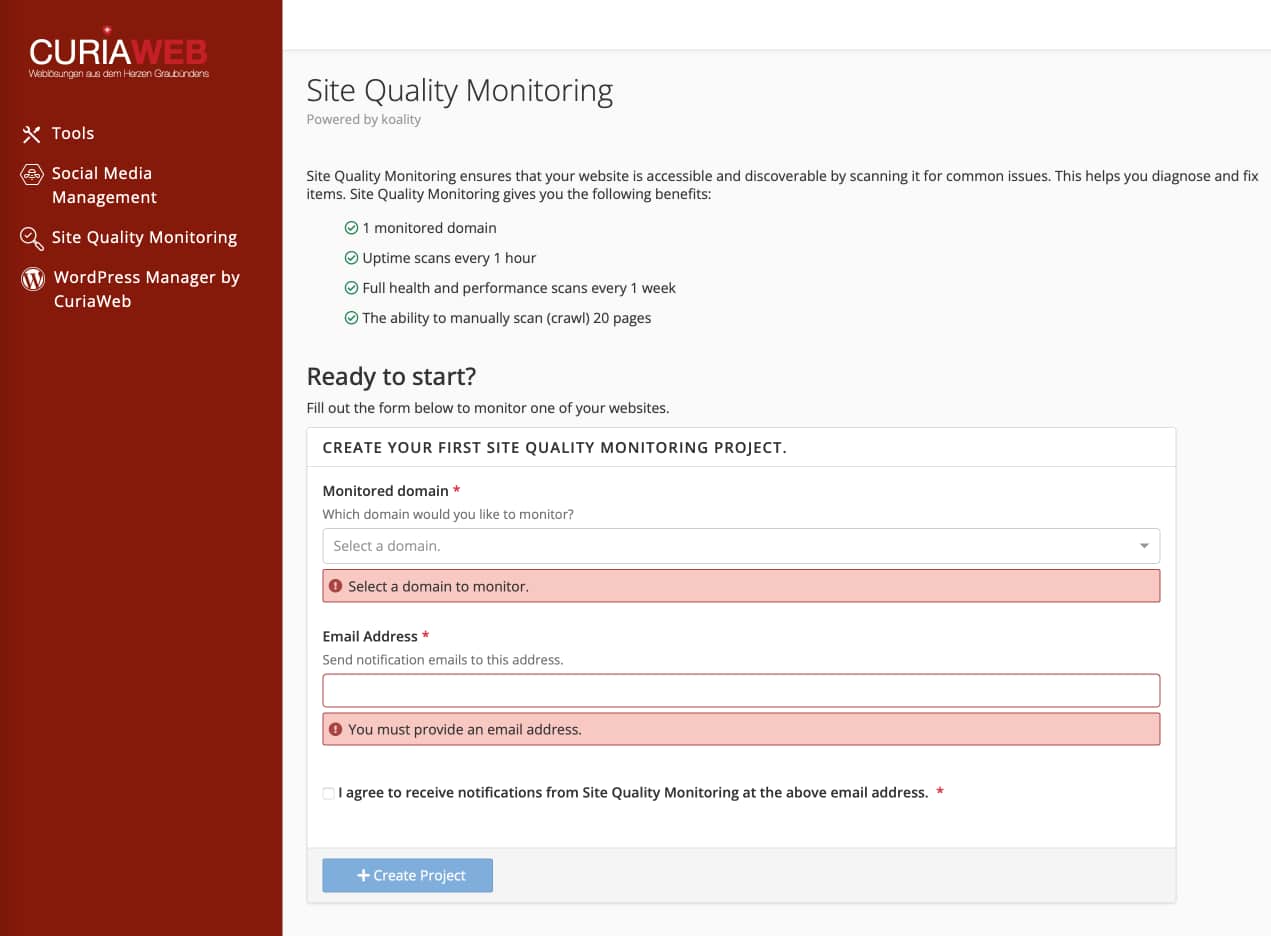
Site Quality Monitoring monitors your website around the clock. It automatically detects broken links, slow loading times, and SEO errors before your visitors (or Google) notice them. This ensures that your website always remains professional and high-performing.
Important: To use this tool, you must complete the short registration process in the cPanel interface upon your first visit and select a subscription (e.g., the free Basic plan).
Monitoring Areas
The tool divides the analysis into logical tabs to make optimization easier for you:
Crawling
Finds broken links (404), missing images, and identifies files that are too large and slow down loading times.
Finds broken links (404), missing images, and identifies files that are too large and slow down loading times.
Monitoring
Checks availability, technical SEO parameters, security certificates, and general server response times.
Checks availability, technical SEO parameters, security certificates, and general server response times.
Summary
Here you can see your Score (0-100). A high score means an optimally configured website.
Here you can see your Score (0-100). A high score means an optimally configured website.
The Traffic Light System: Errors at a Glance
Site Quality Monitoring uses intuitive color codes to indicate the urgency of issues:
| Green | Optimal: Everything passed. No action required. |
| Yellow | Moderate: Non-critical errors that slightly affect the user experience. |
| Red | Critical: These errors prevent access or the correct functioning of your website. |
Getting Started: Adding a New Website
To begin monitoring, click on "Monitor New Website" and enter the following details:
- Name: An internal display name for your reference.
- Location: Choose the server location closest to your target audience (e.g., in Europe).
- Domain: Your full web address (e.g.,
my-domain.ch).
Notification Tip: Under Settings, ensure your email address is correctly stored so you are informed immediately in case of a "Red Alert."
Have questions about your score or need help fixing critical errors?
Our team is happy to support you with technical optimization!
