
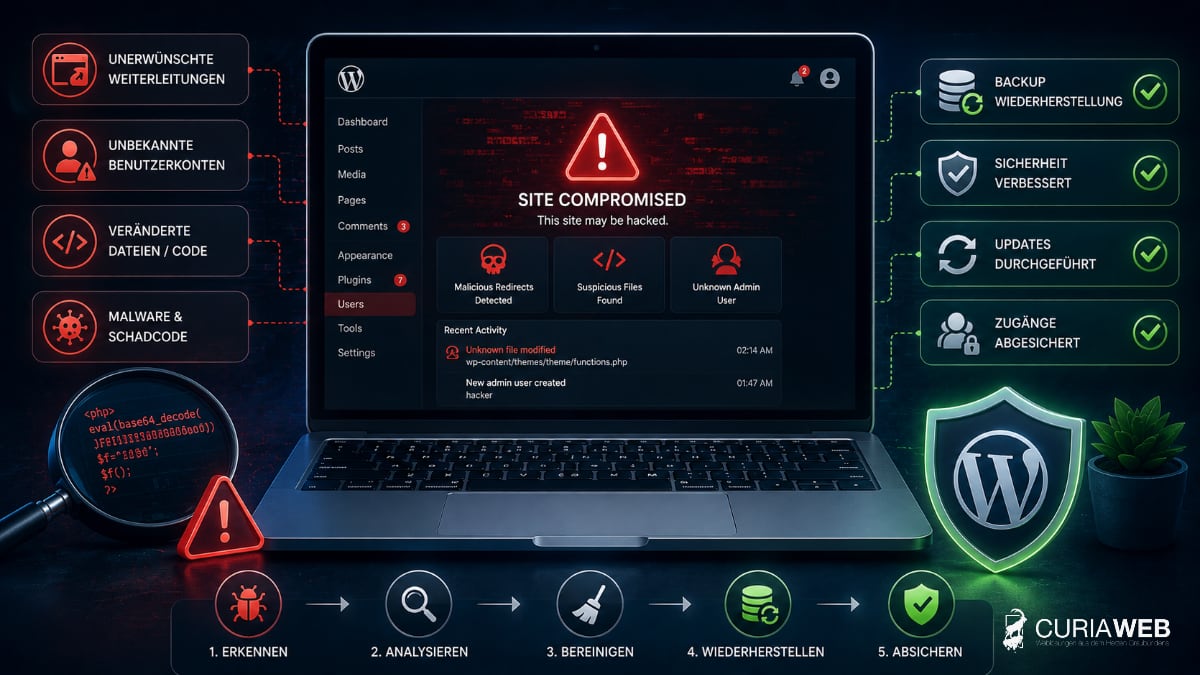
Does the WordPress website suddenly display foreign content, redirect visitors to unknown pages, or is the backend no longer accessible? Then there is a suspicion that the website has been compromised.
Such a security incident is serious, but uncoordinated knee-jerk reactions can make the situation even worse. What is crucial now is a structured approach: mitigate damage, determine the cause, clean the website, and secure access.
This guide explains how to identify a hacked WordPress website, which immediate measures are effective, and what should be checked before putting the site back online.
How do you recognize a hacked WordPress website?
A compromised website is not always immediately obvious. Some attacks are meant to remain undetected for as long as possible.
Typical warning signs are:
- Redirects to unknown or untrusted websites
- third-party content, links, or new pages
- unknown administrator or user accounts
- Warnings from browsers or search engines
- unusual files in the WordPress directory
- unexplained changes to plugins or themes
- unusually high server load or sharply increased traffic
- Spam emails that apparently are sent via the website
Even a seemingly normally functioning website can be compromised. Therefore, if there are concrete indications, not just the visible interface should be checked.
WordPress hacked: What should I do first?
In the event of a suspected security incident, changes should not be made indiscriminately.
A sensible procedure consists of several steps.
1. Limit damage
If the website distributes malware, redirects visitors, or sensitive data could be at risk, public access should be temporarily restricted if necessary.
This does not necessarily mean deleting all files immediately. First, steps should be taken to prevent the damage from spreading further or endangering visitors.
2. Secure existing state
Before files are modified or removed, it can be useful to back up the current state.
This copy does not serve as a clean backup, but can help in later analysis to identify modified files and potential entry points.
3. Secure access credentials
In the event of a security incident, it should be assumed that access credentials may have been compromised.
In particular, the following must be checked or modified:
- WordPress administrator accounts
- Hosting and cPanel access
- FTP or SFTP access
- Database credentials
- business email accounts
New passwords should be unique and not already be used for other services. Where available, two-factor authentication should also be enabled.
Find the cause – don't just delete malicious code
Simply „cleaning“ a hacked WordPress website at first glance is often not enough.
If only visible malicious code is removed, the original vulnerability may remain. Attackers can then gain access again.
Possible entry points include, for example:
- outdated plugins
- outdated themes
- compromised administrator credentials
- insecure or no longer maintained extensions
- compromised FTP or hosting credentials
- Malware on a device used
Therefore, during the cleanup, both the malicious code and its potential cause must be investigated.
Outdated plugins and themes as a risk
WordPress itself is continuously being developed and security vulnerabilities are regularly patched. The same applies to many themes and plugins.
It becomes problematic when known vulnerabilities are already documented, but the corresponding update has not been installed. Automated systems can specifically scan the internet for vulnerable WordPress installations.
We explain in more detail why updates are a central component of WordPress security in the article Why WordPress needs regular updates .
What role do backups play after a WordPress hack?
A working backup can make recovery much easier. However, the crucial factor is, when the backup is from.
A backup is only useful if it comes from a point in time when the website was not yet compromised.
If an already infected backup is restored, the malicious code may also be restored.
Therefore, multiple backup points are useful. This allows falling back to an older, demonstrably clean state if necessary.
Learn more about building a sensible backup strategy at Backup strategies for SMEs .
Restore WordPress from a backup
If a clean backup is available, it can be a good foundation for recovery. However, this does not automatically mean that the security incident is resolved.
Before the website is released again, the following should be done, among other things:
- WordPress needs to be updated
- Plugins and themes are updated
- unnecessary extensions can be removed
- user accounts are checked
- Access data must be changed
- the original vulnerability should be identified as far as possible
Otherwise, there is a risk that the same vulnerability will be exploited again immediately.
What to do if there is no clean backup available?
If no suitable anchor station is available, the existing installation must be examined more closely and cleaned up.
Among other things, this allows WordPress core files to be compared with clean original files, plugins and themes to be checked, and suspicious files to be analyzed.
For a business-critical website, such cleanup should not be performed according to the „suspicious file found and deleted“ principle.
Malicious code can reside in multiple locations or provide attackers with renewed access via so-called backdoors.
Why hosting matters for WordPress security
WordPress security doesn't end with WordPress. The hosting environment is also part of the security concept.
For example, relevant factors include:
- clean separation of individual hosting accounts
- current PHP versions
- Firewall and security mechanisms
- regular backups
- Monitoring
- rapid response options during disruptions
CURIAWEB relies, among other things, on CloudLinux with CageFS, thereby isolating hosting accounts from one another, as well as further security mechanisms of the server environment.
Further information regarding the technical environment can be found under WordPress Hosting at CURIAWEB .
How can the risk of a WordPress hack be reduced?
There is no absolute guarantee against attacks. However, the risk can be significantly reduced through consistent maintenance and multiple coordinated protective measures.
These include in particular:
- Keep WordPress, plugins and themes up to date
- remove unneeded plugins and themes
- use strong and unique passwords
- Use two-factor authentication where appropriate
- create regular backups with multiple restore points
- Grant administrator rights only when they are actually needed
- Regularly monitor website and hosting
Especially with corporate websites, these tasks should not be left to chance.
Learn more about ongoing operations in the guide WordPress Maintenance & Support for SMEs .
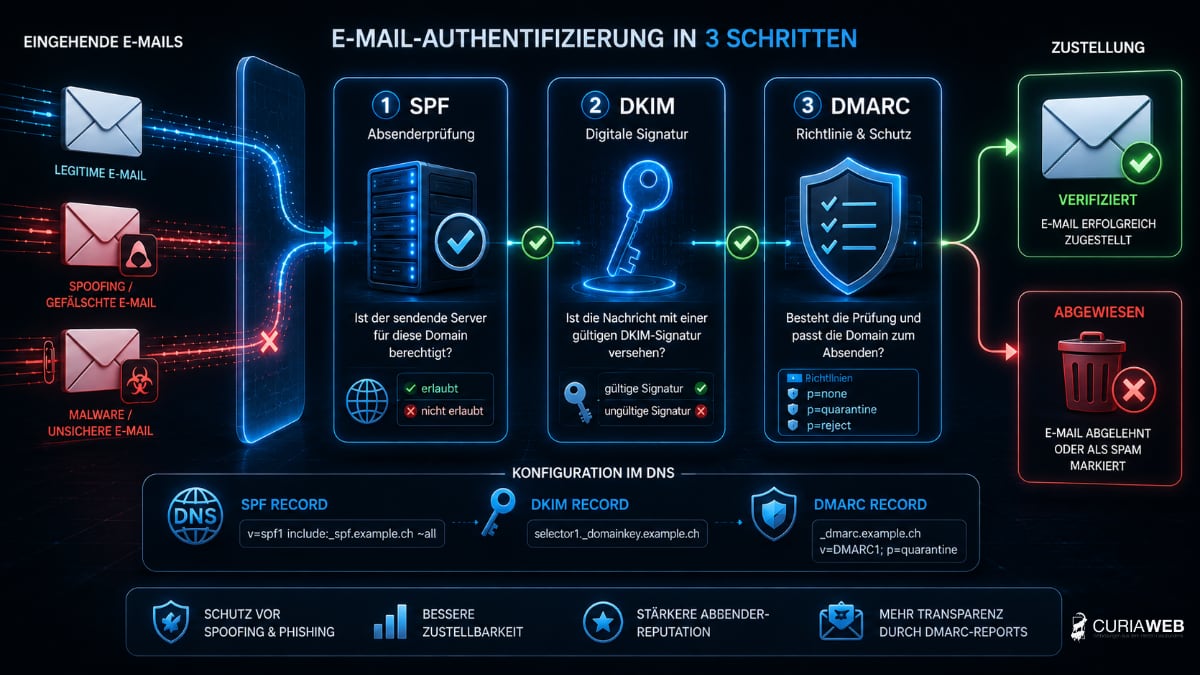
Check email and domain after a hack too
Depending on the type of attack, a security incident can go beyond WordPress.
If, for example, hosting credentials have been compromised, email accounts, DNS settings, and other services should also be checked.
This is especially true if unusual emails were sent or changes to the domain configuration are detected.
Basics on the interaction between domain and email can be found at Domain & E-Mail – Why Both Belong Together .
Conclusion: After a WordPress hack, a systematic approach is what counts
A hacked WordPress website is a serious security incident. However, it does not automatically mean that the entire website is lost.
The crucial thing is to limit the damage first, investigate the cause, and restore the website from a clean state.
Simply removing visible malicious code is not enough. Only when vulnerabilities are closed, access credentials secured, and WordPress and its extensions are updated should the website be operated normally again.
In the long term, regular updates, working backups, a secure hosting environment, and ongoing maintenance form the basis for more reliable WordPress operations.